

With SpriCAD®, as an alternative to WinSprink, the pipe network geometry can be entered using the AutoCAD or BricsCAD CAD system.
Windows 10 or 11 operating system
SpriCAD® Version 5: AutoCAD Versions 2019–2027 (64-bit) / No AutoCAD LT
SpriCAD® Version 6: AutoCAD Versions 2024–2027 (64-bit) / No AutoCAD LT
SpriCAD® Version 5: BricsCAD Version 2018–2026 Pro (64-bit)
SpriCAD® Version 6: BricsCAD Version 2023–2026 Pro (64-bit)
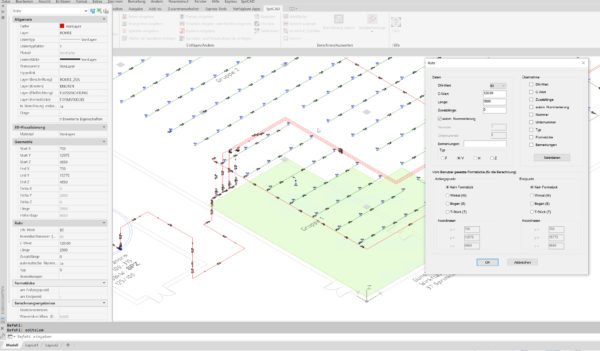
The pipes are entered for calculation using SpriCAD® tools with intelligent lines directly in AutoCAD/BricsCAD in a 3D isometric view.
The isometry can even be drawn directly into a referenced 3D architectural model.
Pipes have the following properties:
Further important information for hydraulic calculations can be found on the sprinkler symbols or possible installation components.
Sprinkler characteristics:
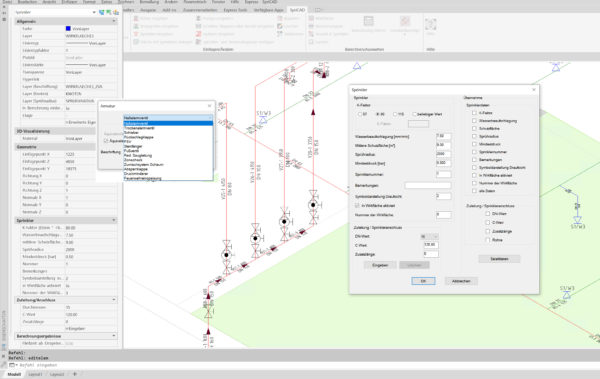
For fixtures, a suitable symbol can be set and its equivalent length stored.
Three standard tables (VdS and FM) are included in the program. User-specific tables can be added.
Any number of effective areas can be entered, calculated, and saved.
A comprehensive list of pump characteristics from well-known manufacturers is included.
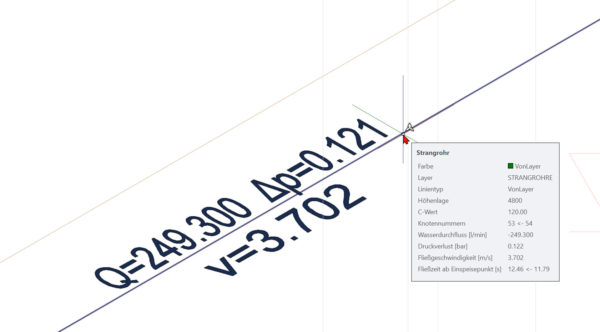
All information contained in the symbol model is then transferred to our calculation core (SpriCalc) and processed.
SpriCalc meets the accuracy requirements specified by VdS/FM/NFPA/DIN EN 12845, as well as the format of the calculation printout.
Various filters are available for the design of the sprinkler network for:
YouTube Videos:
Preview 2026: Highlights of the new version 6.01
Preview 2026: Highlights of the new version 6.01
Overview Version 5
Hydrants combined with sprinkler systems
Floor management
Merging files
Cover the area with sprinklers